Your jobsite needs internet on day one. Stop waiting 120 days for fiber.
Here is a conversation that happens on almost every undeveloped site in America. The project team calls the carrier: “We’re mobilizing at 4200 Industrial Parkway in six weeks. We need internet.” The carrier runs the address, finds no facilities within reach, and comes back with two numbers: a construction quote somewhere between $10,000 and $100,000, and a lead time of 90 to 180 days. Sometimes the quote itself takes three to six weeks to arrive.
Read those numbers again with a project manager’s eyes. On a 24-month job, a 120-day fiber lead time means you spend the first 17% of the entire project without the connectivity the project was supposed to have from day one. Steel is going up while your trailer runs on someone’s phone.
And the money is worse than the wait. That $10k–$60k trench (up to $100k+ on rural infrastructure work) buys permanent infrastructure for a temporary need. When the job hands over, you walk away from it. Zero residual value. If you build four jobs on temp fiber, you’ve paid for four trenches and own none of them. ISPs know these are throwaway orders, which is exactly why temporary service addresses sit at the bottom of every provisioning queue.
What the delay actually costs
The trench line-item is the visible cost. The invisible one is bigger. General conditions on a commercial job run $10,000–$50,000 per day. RFIs, submittals, pay applications, daily reports, inspections — all of it now routes through Procore, Autodesk Construction Cloud, or something like them. A trailer with no real connectivity doesn’t stop work outright, but it slows everything that keeps work unblocked. If poor connectivity contributes to even one day of schedule slip over the life of the job, it cost more than an entire enterprise-grade wireless kit.
Meanwhile the workaround economy blooms: twenty crew hotspots at $50 a month is $1,000 a month — $24,000 over a 24-month job — buying deprioritized single-carrier data with no security, no visibility, and no ownership. You end up paying more than a real network costs, for something that isn’t one.
The New Enterprise answer: bond, don’t build
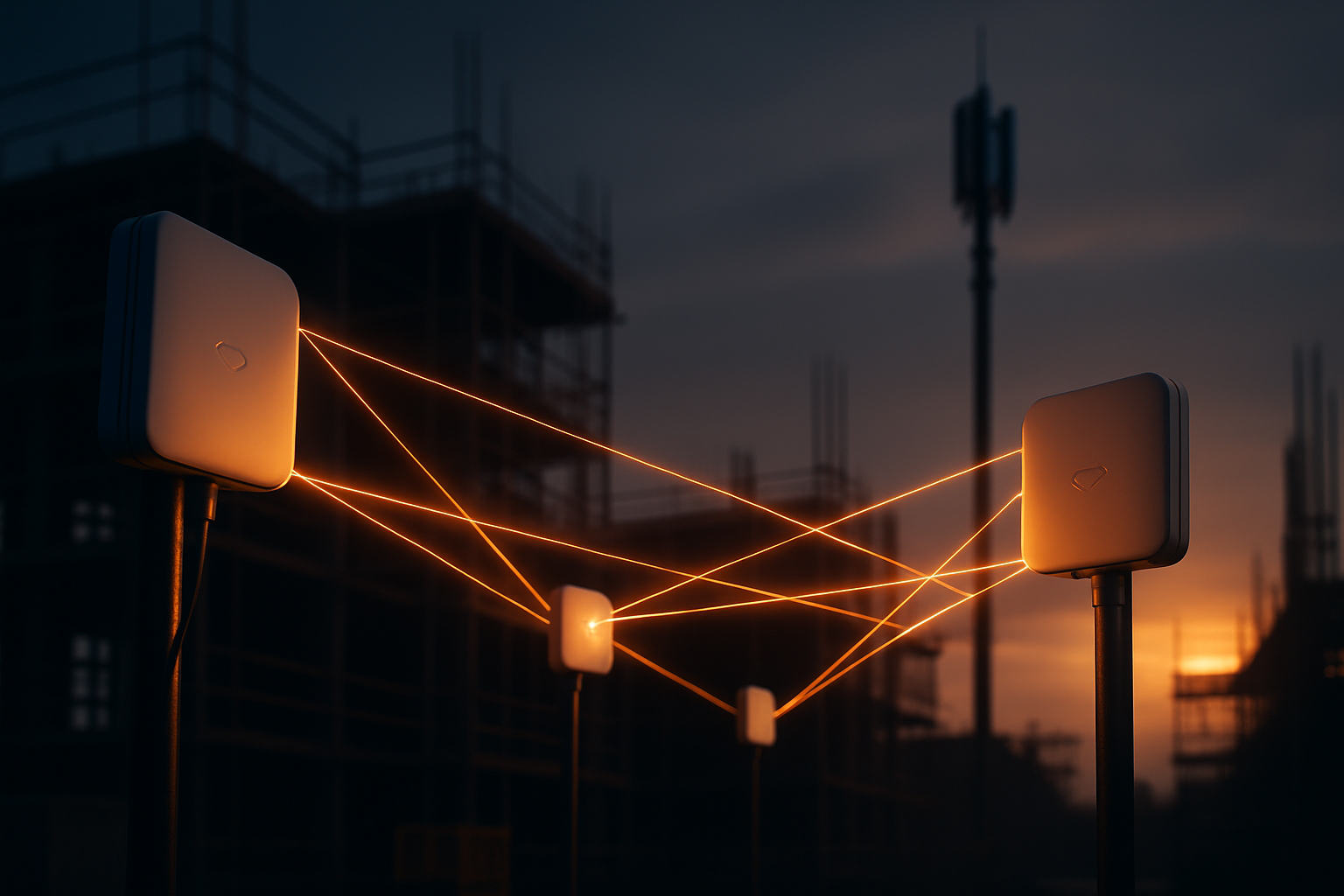
The alternative isn’t “use a hotspot.” It’s a different architecture. Stop building infrastructure. Start bonding connectivity.
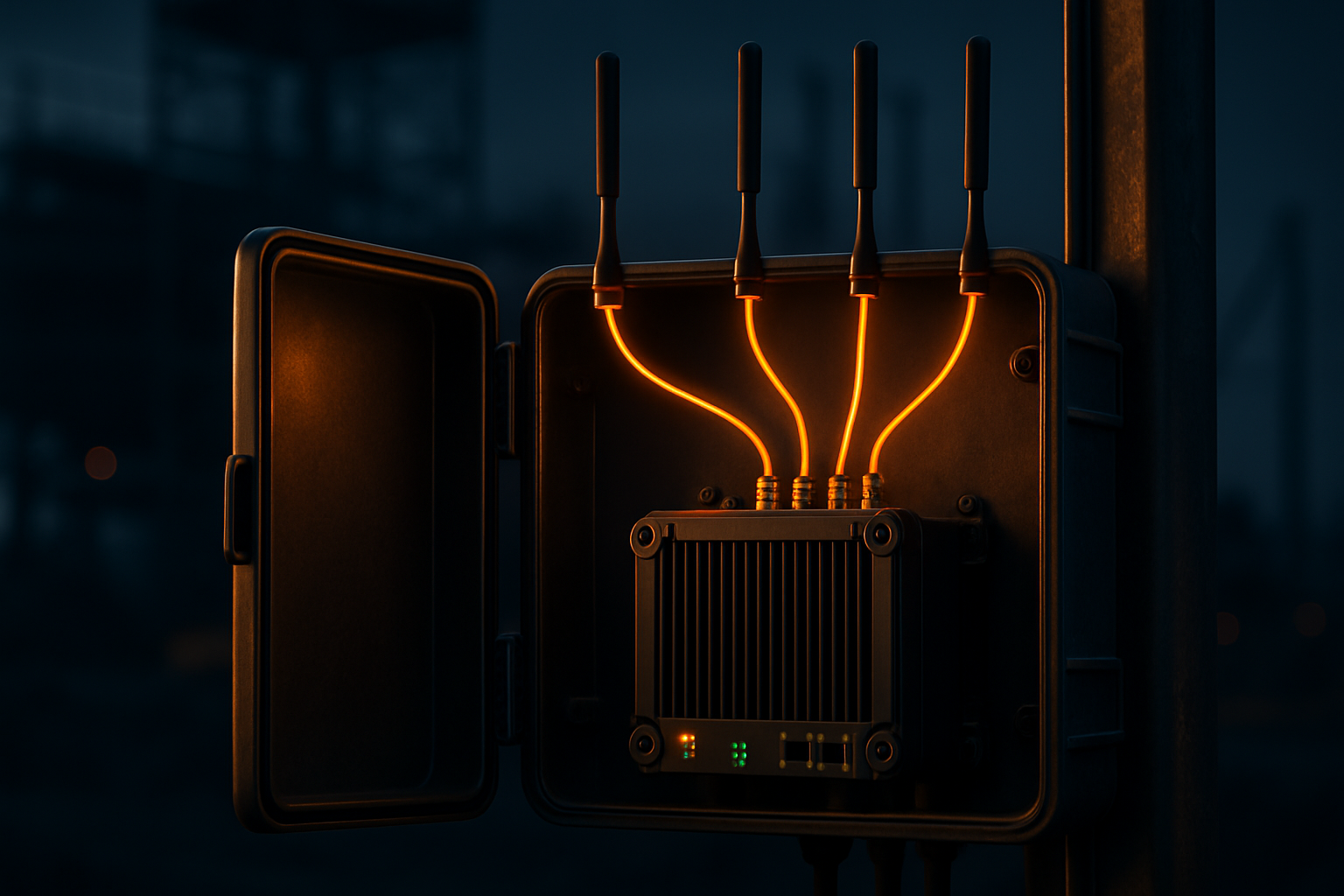
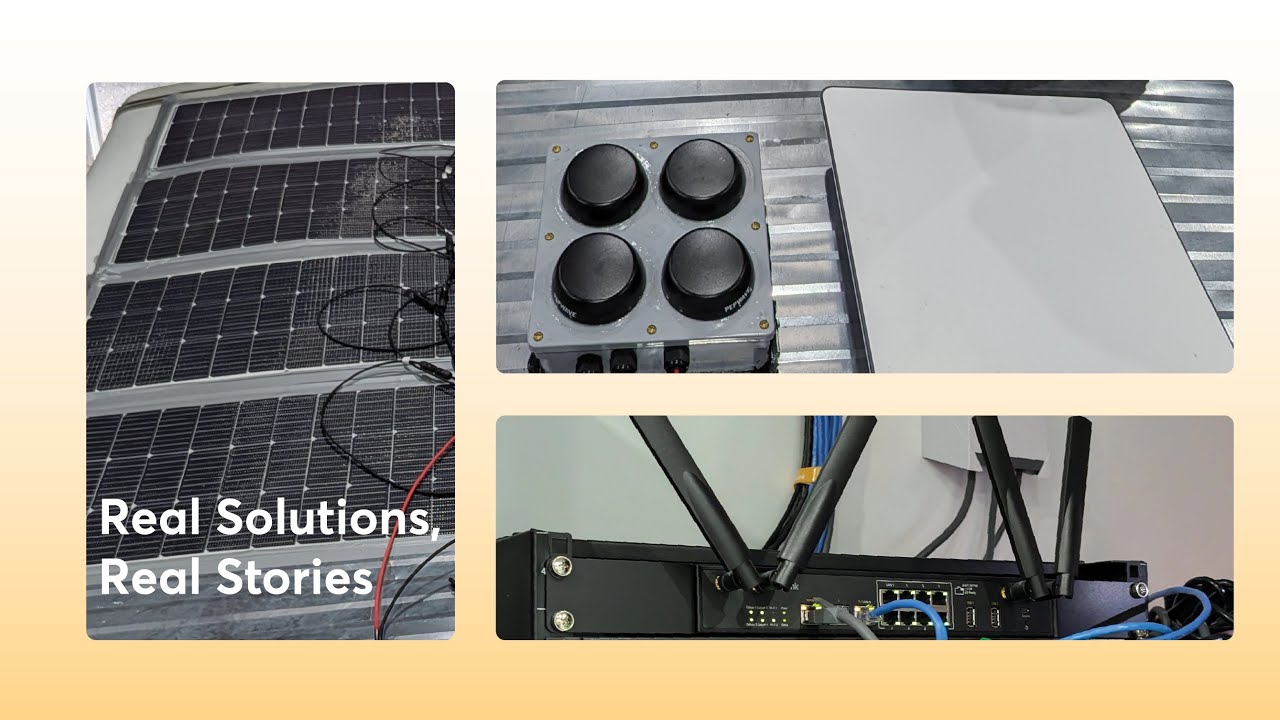
A bonded 5G gateway — a Peplink BR2 Pro 5G for a standard site, a MAX HD2 with two cellular modems for dual-carrier bonding, a MAX HD4 with four modems for bandwidth-heavy mega-sites — takes every path available at your site and fuses them into one logical connection using SpeedFusion. Two carriers. Four carriers. Starlink where coverage is thin. An existing circuit if one ever shows up. Each path is just another lane in the same pipe.
Three properties fall out of that architecture:
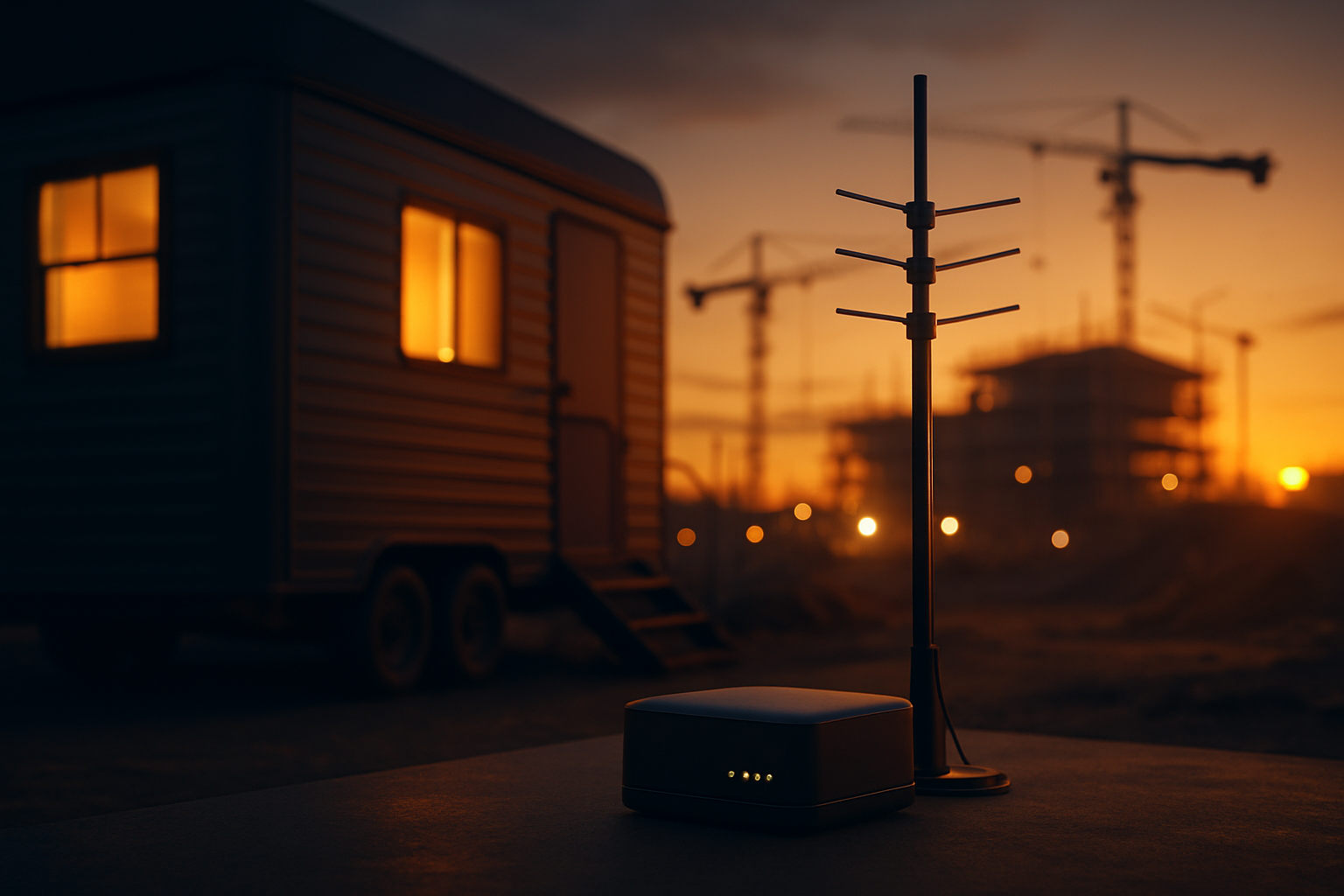
- Zero-day deployment. The kit ships pre-configured. Your superintendent connects power and antennas the morning the trailer lands, and the site is online that day. Not day 120. Day one.
- Unbreakable by bonding. Hot-failover and WAN smoothing mean no single carrier outage, tower congestion event, or satellite blip takes the site down. A single trenched circuit is a single point of failure; a bond has no single anything.
- Real bandwidth. A dual-modem HD2 commonly delivers 200–600 Mbps aggregate in metro areas. That is BIM model syncs in minutes and drone survey uploads before lunch — not overnight.
The math, side by side
For a 24-month mid-rise job:
|
Temp fiber |
Hotspot sprawl |
Bonded 5G kit |
| Upfront |
$10k–$60k |
~$2k |
$8k–$12k |
| Monthly |
$500–$2,000 |
~$1,500 (hotspots + device SIMs) |
$300–$800 pooled |
| 24-mo total |
$22k–$108k |
~$38k |
$15k–$31k |
| At handover |
Abandoned |
Nothing owned |
Kit moves to the next job |
That last row is the one that changes the business case permanently. The bonded kit is the only option in the table that is an asset. Amortize a $10k kit across four consecutive jobs and connectivity capex drops to $2,500 per site — roughly a week of hotspot-and-SIM sprawl spend. Own it, don’t rent it.
This isn’t experimental
The same SpeedFusion bonding architecture carries live broadcast at golf majors, Formula 1, and SailGP. It keeps ambulance fleets and mobile mammography units connected on the move. Offshore, vessels bond four to twenty Starlink terminals into a single pipe. A jobsite trailer that stays in one place for two years is the easy case.
The next time a carrier quotes you 120 days, the correct answer is: “Don’t bother.” Your site can be online before their quote clears their own approval process.
Talk to West Networks →
Shop the solution →